Run any game and switch any time with Flexible Hosting
Rent RAM and disk once, install your first game, then switch to any other one straight from your dashboard — every world is saved, so you can always switch back.
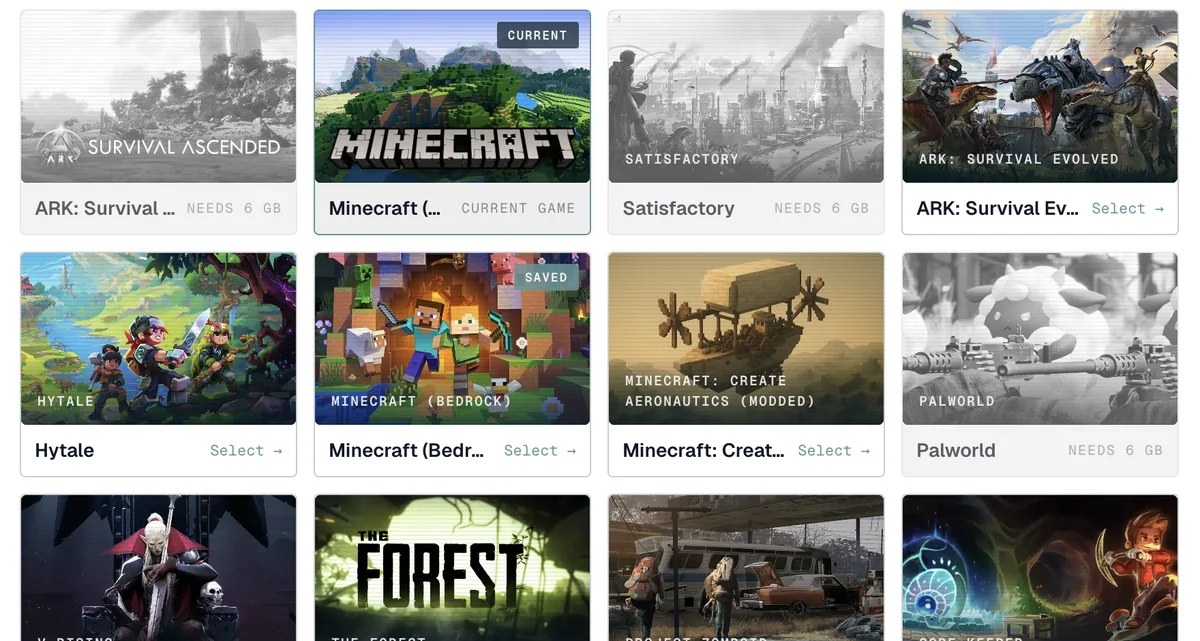
Most game hosting ties one server to one game: want to try something else, and you order a second server. Flexible Hosting flips that around. You rent the RAM and disk once, install your first game, and switch to any other game in our catalogue whenever you like — all on the same server, the same plan, the same bill. Before each switch we snapshot your current world, so nothing is lost: switch back later and it loads exactly as you left it. This guide walks you from buying a Flexible plan to switching games and back, all from the dashboard — you never touch a console.
01 Pick a Flexible plan and your first game
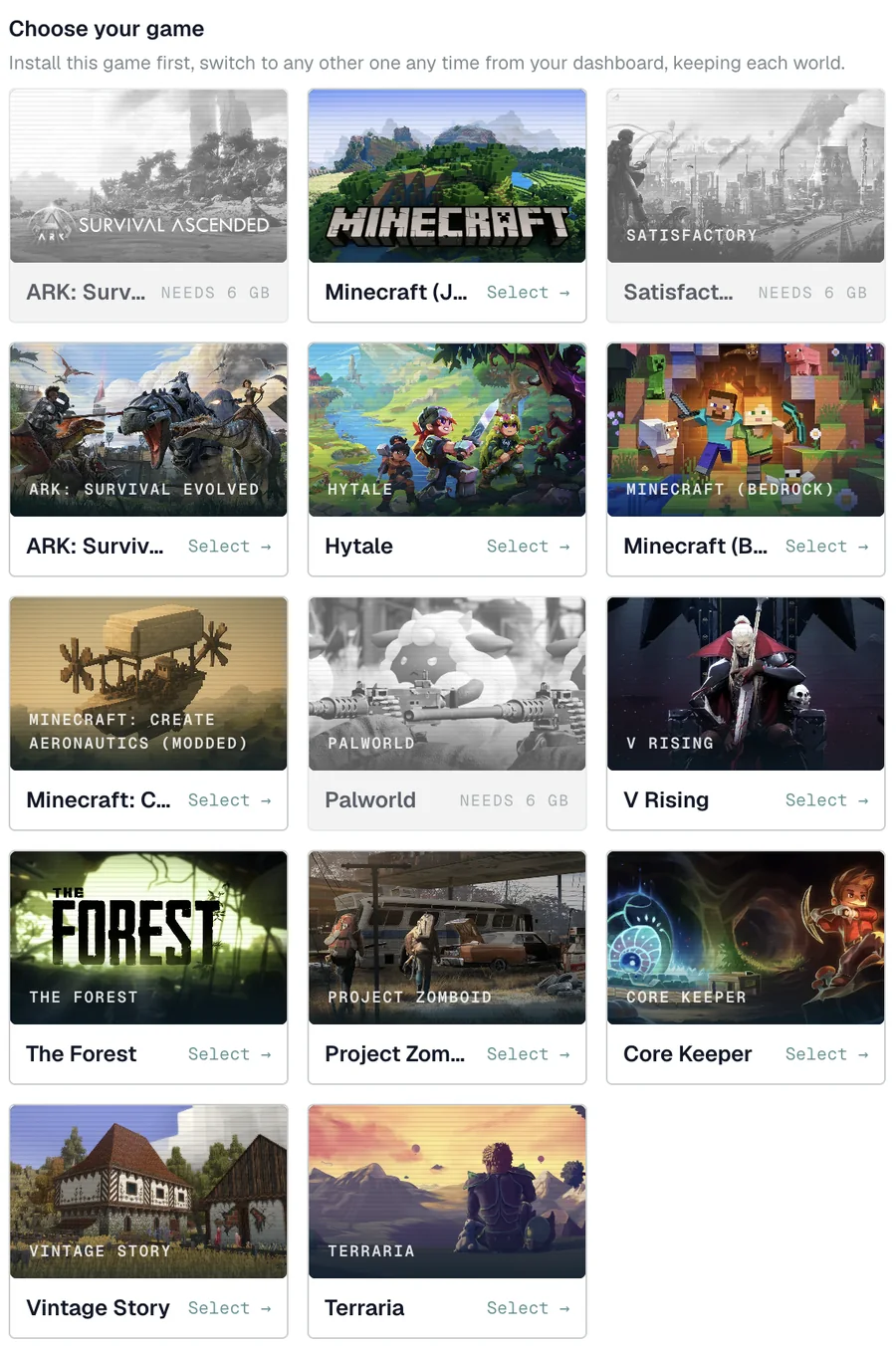
Open the Flexible Hosting page and choose a plan by how much RAM and disk you want — that, not the game, is what you pay for. At checkout you then pick the first game to install from the grid. Bigger games show the RAM they need up front: anything that won't fit your chosen plan is greyed out with a needs X GB label, so you can't accidentally order something that can't run. Pick a tile that fits, finish checkout, and your server installs that game and comes online in about two minutes.
A bigger plan simply unlocks more of the heavier games — you can always start small and upgrade your RAM later from the dashboard with no migration.
02 Switch to another game from your dashboard
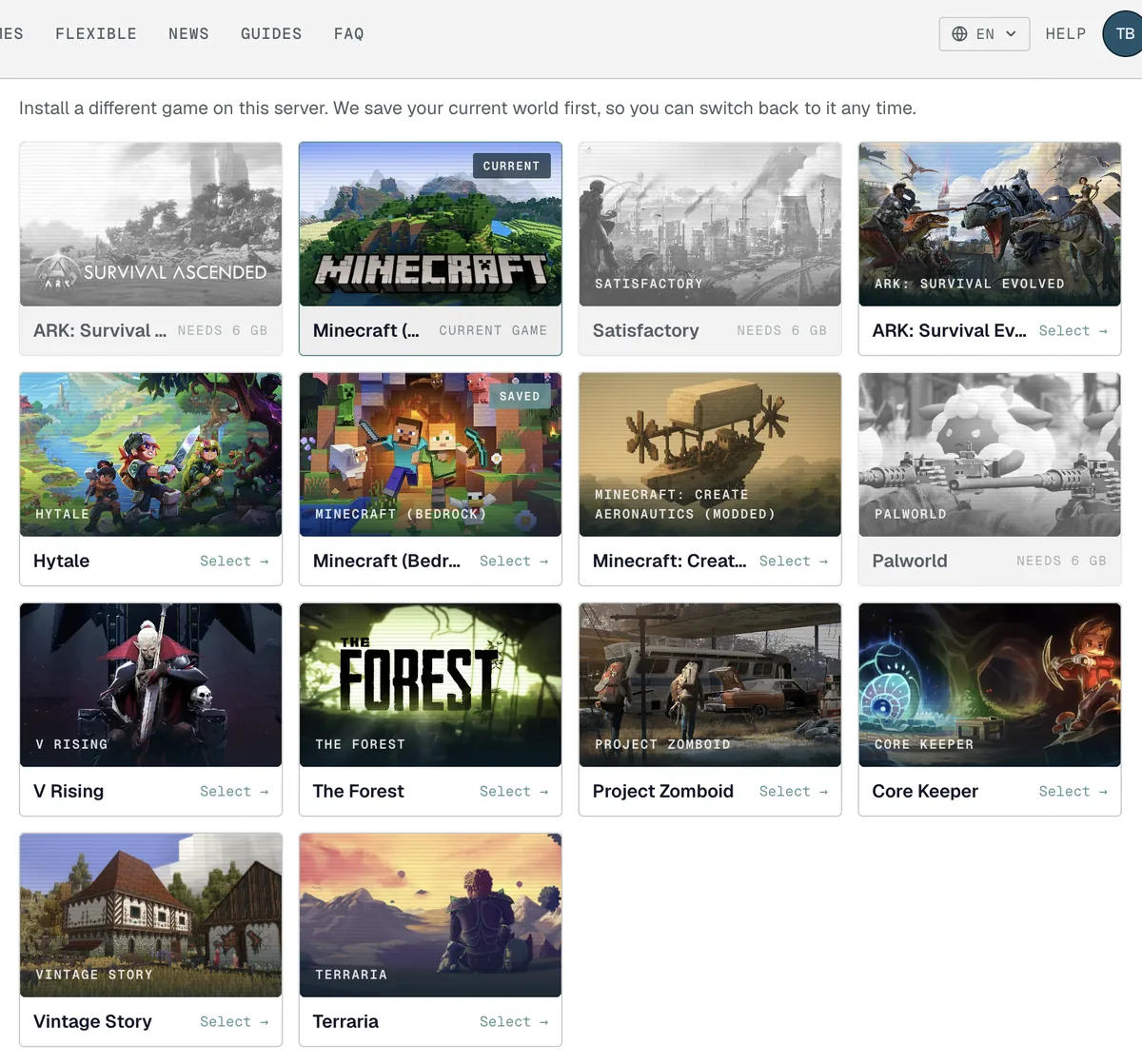
Open your server from the dashboard and find the Game section. You'll see the same picker, with your current game marked CURRENT and any game you've played before marked SAVED. To change games, pick another tile and confirm. We do three things for you: take a snapshot of your current world, set up the new game, and bring the server back online — usually inside a minute. There's no second order and no new server; it's the same plan running a different game.
Games that need more RAM than your plan are greyed out here too. If the game you want is greyed out, upgrade your plan from the Change plan section and it becomes selectable.
03 Your worlds are kept — switch back any time

Every game you've played on the server keeps its own saved world, listed under Saved games. Switch back to one of them and it loads exactly as you left it — same builds, same progress. Your plan sets how many saved worlds you can keep at once; if you reach the limit, delete one you no longer need from this list to free up a slot. Deleting a saved world is permanent, so only remove the ones you're sure about.
Troubleshooting
- A game I want is greyed out ("needs X GB"). It needs more RAM than your current plan. Open Change plan on your server and upgrade — the game becomes selectable straight away, and upgrades are pro-rated.
- The switch seems stuck. Switching is a guided reinstall: your server is briefly offline while we save your world and set up the new game. Give it a minute, then reload the page if it doesn't refresh on its own.
- I've hit my saved-worlds limit. Delete a saved world you no longer need from the Saved games list to free a slot, or upgrade your plan for more room.
- Where did my old world go? Nowhere — it's under Saved games. Switch back to that game and your world loads as you left it. Worlds are only removed if you delete them.
- Can I keep more than one game online at once? No — a Flexible server runs one game at a time. To run two games simultaneously, you'd want a second server. Flexible Hosting is about switching between games on one server, not running them side by side.